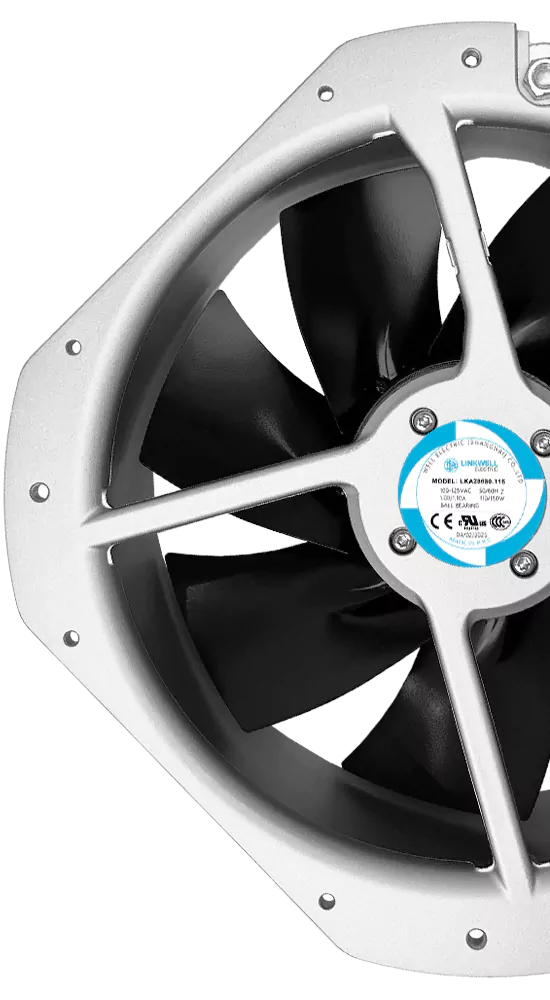
If an inverter cooling fan is not working, first establish whether the inverter is asking it to run. Many fans respond to temperature or load, while some inverters use passive cooling and have no fan at all.
A valid cooling demand combined with no rotation, repeated start attempts, abnormal noise or a confirmed fan alarm points toward a problem. Diagnosis then needs to separate the fan itself from restricted airflow, missing supply, wiring and incompatible feedback.
Identify the Inverter and Its Cooling Arrangement
This article concerns cooling fans in solar and other power-conversion inverters. It does not describe a variable-speed room fan or a general HVAC fan driven by an inverter.
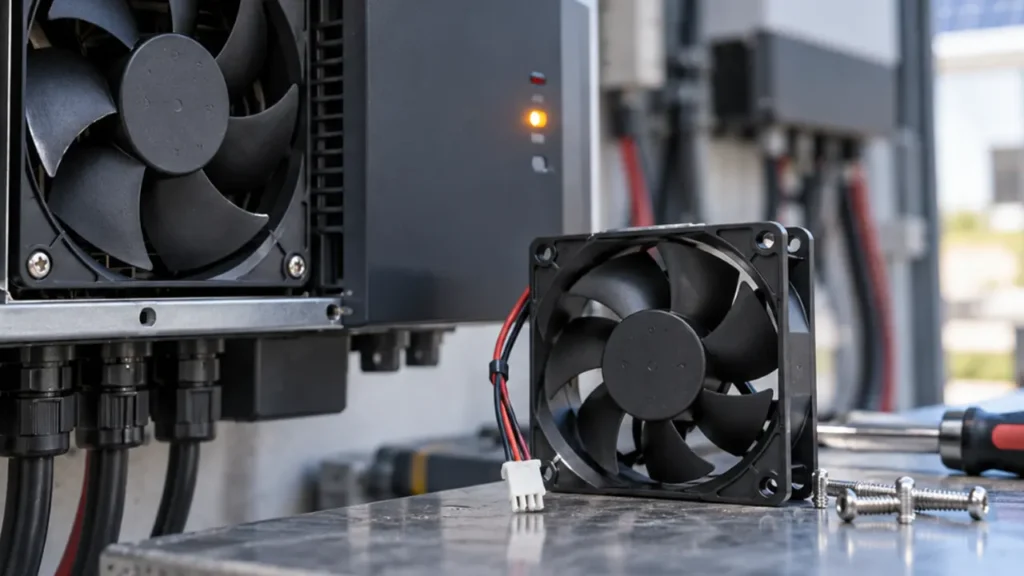
Locate the model and service documentation. A unit may use an external heat-sink fan, an internal electronics fan, several independently controlled fans or natural convection. A fan visible through a grille may cool a separate passage rather than move air through the electronics compartment.
This matters during inspection and replacement. Opening a sealed compartment or changing its ventilation can introduce moisture and contamination into a part of the product that was never intended to receive outside air.
Normal Fan Behavior Can Look Like a Fault
Fans may remain stopped at low load, change speed with temperature, operate intermittently or continue after output falls. Some controllers also use a startup check or service test.
Compare the actual state with the expected command for that inverter. Record load, temperature, operating mode and alarms. A stopped fan at night or during light load is not sufficient evidence of failure, and a fan that runs continuously during demanding operation is not automatically defective.
A sudden change from the established pattern deserves attention, especially when accompanied by derating, a temperature warning or abnormal sound.
Diagnosing a Fan That Will Not Start
Check the Command and Fault History
Use the authorized fan-test function if the model provides one. Confirm whether a cooling request exists and which fan it applies to. Save event data before resetting; an intermittent fault can disappear after a restart while the underlying problem remains.
Inspect for Obstruction
Under the approved isolation procedure, look for debris, cable contact, deposits, blade damage and loose mounting. Do not probe an energized fan or force the impeller. Some fans can restart automatically.
Follow the specified cleaning method. Uncontrolled compressed air can spin the rotor beyond its intended condition or drive contamination into vulnerable areas.
Separate Supply and Fan Failure
Qualified electrical testing should establish whether the correct supply reaches the fan under the valid command. A disconnected no-load reading may miss a voltage drop that occurs during startup. Connectors, auxiliary supplies and damaged leads can all prevent a healthy fan from starting.
Do not apply a guessed voltage to a fan connector. The assembly may use model-specific control and monitoring conductors. A physically similar plug does not establish a compatible pinout.
Note: Solar input, batteries, AC supplies and stored energy can remain hazardous during service. Follow the exact inverter isolation and discharge procedure, including verification by qualified personnel.
What Different Fan Noises Suggest
| Sound or behavior | Possible cause | What to review |
|---|---|---|
| Rattle or intermittent contact | Loose mounting, debris or cable contact | Isolated mechanical inspection and retention |
| Rough bearing-like sound | Wear or contamination | Startup, speed stability and approved service replacement |
| Whistle or sharp aerodynamic tone | Restriction, grille interaction or poor clearance | Installed air path and operating speed |
| Periodic speed surging | Control cycling, supply instability or repeated protection retries | Command, supply and temperature trend together |
Sound alone does not prove a specific failure. Compare the fan command and operating condition. A healthy fan at a newly commanded high speed can sound louder because the inverter is hotter, not because the bearing has failed.
Why the Fan Runs Continuously
Continuous operation may reflect high ambient temperature, sustained conversion load or the specified control strategy. It can also indicate restricted cooling, hot-air recirculation, a sensor issue or a fault-related fallback command.
Inspect whether the fan is moving useful air through the fins and whether the inlet receives its own warm discharge. Check any shading or equipment-room changes. A cover added to reduce noise may have trapped heat and forced the controller to request higher fan speed.
Compare fan behavior with recorded temperatures and the manual. Avoid changing wiring or control signals simply to make the fan quieter.
The Fan Rotates but a Fault Remains
The host controller may require FG speed pulses, an RD alarm state or another response. A damaged feedback conductor can trigger a fault even while the rotor turns. A replacement with the wrong pulse count or logic can do the same.
Confirm the signal type, electrical limits, pin assignment and host detection timing. Do not connect a feedback line to fan supply or bridge it to suppress the alarm.
The FG speed-feedback guide and RD alarm-output guide explain why the two functions need separate checks.
Replacement Checks That Prevent a Second Failure
Use the approved service assembly where specified. For an engineered alternative, confirm dimensions and depth, airflow direction, mounting, voltage range, running and startup current, pressure-flow curve, temperature rating and complete wiring.
The connector needs the correct series, keying and pin map. Control inputs must match frequency, logic and drive requirements. Feedback must match the inverter’s interpretation. Environmental protection must cover the complete mounting and connector arrangement.
A quiet desktop fan with the same frame size may not provide the required pressure through an inverter heat sink. A fan with higher nominal CFM may draw too much startup current or have incompatible minimum-speed behavior. See How to Choose a Replacement Cooling Fan before treating an alternative as interchangeable.
Maintenance Should Follow Condition and the Service Plan
Follow the inverter manufacturer’s maintenance requirements, then account for dust, insects, salt, operating temperature and access. There is no universal replacement interval for every inverter fan.
Keep the original operating baseline and record noise changes, starts, alarms, cleaning and replacement revisions. If a fan repeatedly fails, investigate moisture paths, temperature, power quality, restriction and mounting instead of continuing to replace identical parts without analysis.
Confirm the Repair in the Inverter
Verify startup, rotation direction, feedback and cable clearance with the correct assembly. Restore covers and seals, then test at a representative load while monitoring temperature and alarm status.
Compare the conditions with the original failure. A fan that works from a bench supply may behave differently on the inverter’s controlled output. A cool-day test may not reproduce a hot restart or the speed required at peak output.
For new OEM equipment, LINKWELL can evaluate fans for photovoltaic and other new energy applications. Provide the heat-sink operating point, supply range, connector drawing and control or feedback requirements. Final approval must be specific to the inverter design.
Frequently Asked Questions
Why does my inverter fan start and stop?
Demand-based cooling can be normal. Compare load, temperature and the model’s fan-control behavior. Repeated failed starts or an alarm require a different investigation.
Can I replace a noisy fan with a slower one?
Only if the inverter supplier or engineering review approves its installed thermal and electrical performance. Lower speed can reduce cooling and change fault detection.
Can the inverter operate without its cooling fan?
Do not assume it can. Follow the fault response and service guidance. Thermal protection is not permission to continue operating with known inadequate cooling.
Why does a replacement fan run but show an error?
The replacement may have a different feedback signal, pulse count, pinout or operating speed. The inverter’s host interface must match the fan.